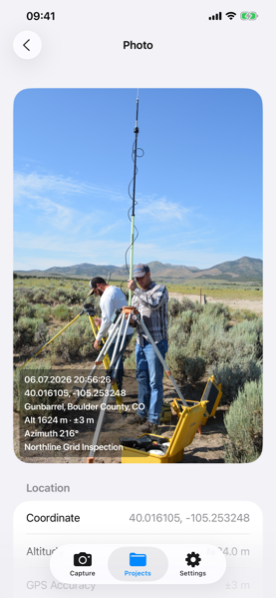
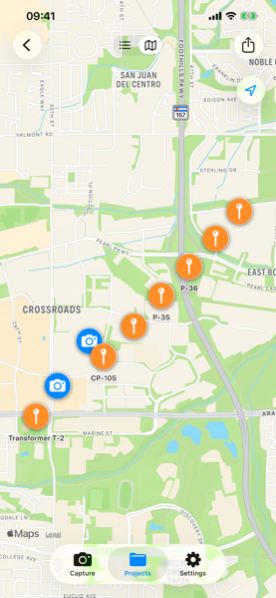
Terramark for iPhone & iPad
Terramark uses Apple's native camera and location frameworks directly — AVFoundation for capture, Core Location for best-accuracy GPS — so photos are ready the moment you stop shooting.
Also available on Android
Native iOS
AVCapturePhotoOutput at full resolution, with correct orientation even when your device's rotation lock is on — a common weak spot in competing apps.
Core Location's highest accuracy mode, with every record's ±m horizontal accuracy stamped and visible — not hidden in metadata.
Uses CLHeading's true heading when available, with a clear ≈ warning if it falls back to magnetic heading.
Every photo — stamped and raw — gets GPS EXIF written via Core Graphics, readable by Photos, Finder and any GIS tool that reads EXIF.
iOS 17 and later, on iPhone and iPad.
No — capture is fully offline. Only reverse-geocoding the address needs a connection, and that happens automatically later if you're offline when you shoot.
Yes — photo orientation is corrected at capture time using the device's motion data, not just the interface rotation lock, which is a common weak spot in other camera apps.
Free to try — 2 projects, 20 records each. No account required.